Ring Central Integration
IndusTrack is equipped with a RingCentral integration. Having this integration activated is useful for contacting Customers.
Make sure to have the RingCentral app installed first. You can go to this link: https://support.ringcentral.com/download.html to download the app and register.
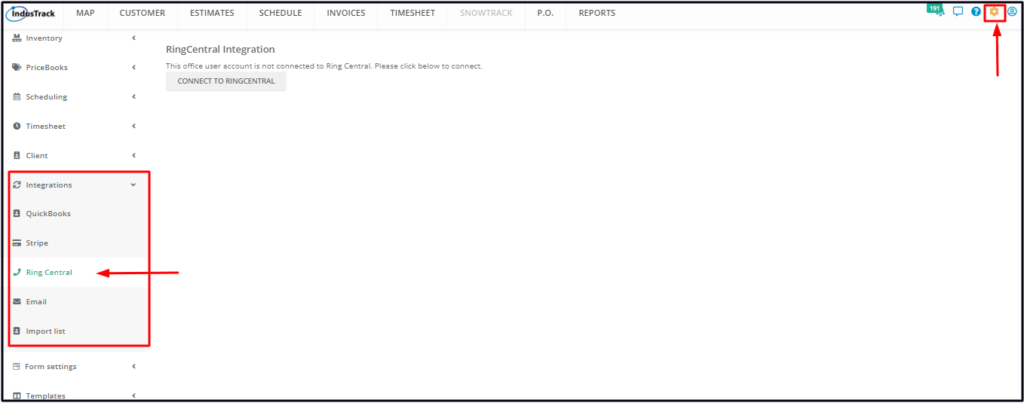
To set up the integration, go to Settings > Integrations > Ring Central.
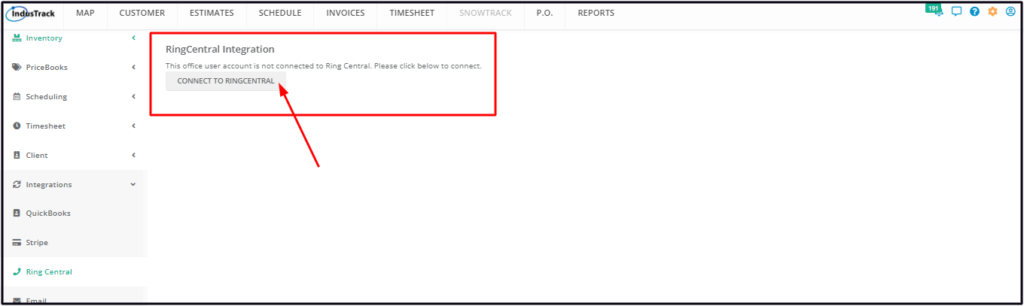
Click on Connect to RingCentral.
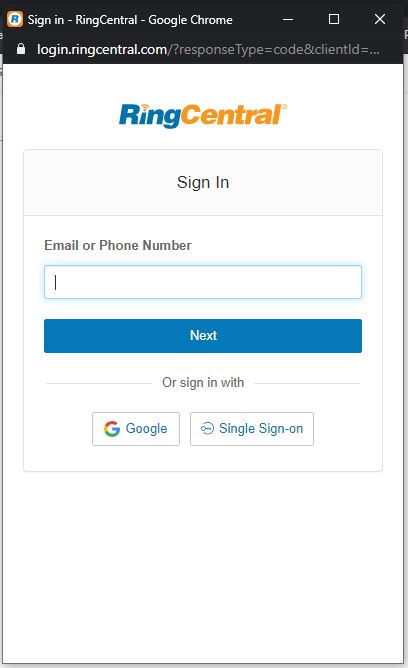
Log in to your RingCentral account and complete the integration process.